
You've got a logo, a colour you like, and a feed that somehow looks like six different companies posted it. That's the social media branding problem most small businesses actually have. Not a strategy gap. A repeatability gap. Every graphic gets built from scratch, by whoever has ten spare minutes, in whichever tool is open. The fix isn't more inspiration. It's a small set of reusable templates governed by the brand you already own, and six will cover almost everything you post.
What is social media branding, and what is a brand template?
Social media branding is the work of making every post recognisably yours before anyone reads the caption. A brand template is a reusable, locked layout you drop new content into, so the colours, type and spacing stay put while the words and images change. Most small businesses need about six.
The difference between a template and a one-off graphic is where the decisions live. In a one-off you pick the layout, the type size and the colour every single time. In a template those were decided once, by someone thinking about the brand as a whole. You bring the message. The template brings the identity.
A social media brand kit is the layer underneath: the logo files, colour values, type styles and photo rules every template draws on. If you're still working out whether you have a brand or just a logo, brand strategy versus brand identity is the better place to start.
| Term | What it actually is |
|---|---|
| Brand template | A locked layout you reuse. Content changes, design doesn't. |
| Social media brand kit | The assets and rules the templates pull from: logo variations, colours, type, photo treatment, caption voice. |
Why inconsistent social posts quietly cost small businesses
Two costs, neither showing up on an invoice.
The first is time. Close to seven in ten small businesses that come to us for brand work arrive with a logo and no written rules for using it, so every post is a fresh set of decisions. Owners tell us one graphic takes forty minutes to an hour once they've fiddled with type size, hunted for the right logo file, and second-guessed the colour. Four posts a week is most of a working day a month.
The second is recognition, and it's slower to notice. Nothing carries across posts, so nothing accumulates. According to Lucidpress research published in 2019, since rebranded as Marq, organisations presenting their brand consistently report revenue increases of up to 33 per cent. That's vendor research from a company selling brand management software, so treat the ceiling figure with scepticism. The direction still matches what anyone running a small business feed suspects: people recognise a pattern long before a name.
Consistency isn't sameness, though. The 2025 Sprout Social Index, a survey of over 4,000 consumers, found 93 per cent think it matters that brands keep up with online culture. Sprout sells social management software too. The useful part: templates hold the brand steady while the content inside stays current. A system too rigid to carry a topical post is one people abandon by March.
“Follow platform and industry conventions.”
Jakob Nielsen, principal, Nielsen Norman Group
Nielsen wrote that about interface design, but it lands here too. His fourth usability heuristic argues people carry expectations from everything else they've used, and breaking those expectations costs them effort. Your feed competes with a thousand others for half a second of recognition. Familiar shapes win it.
The template set every small business actually needs
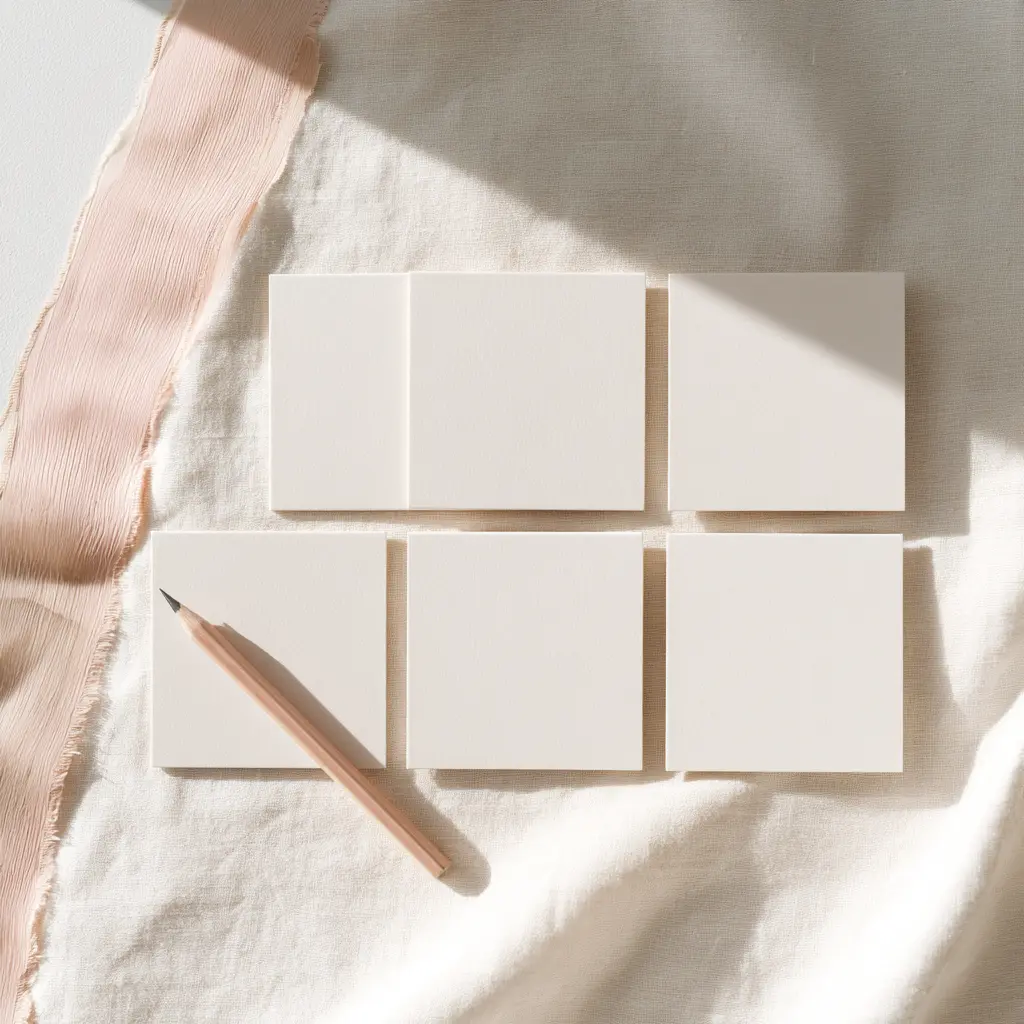
Six, and we'd argue hard against more. Every extra template is another decision at posting time, the exact thing you're removing. Building a set like this from an existing brand takes us about two working days, most of it spent deciding what to leave out. In rough order of use:
- The quote or statement template. A short line of text on brand colour. Use it for anything you'd otherwise say in a caption alone.
- The announcement or offer template. One headline, one detail line, one call to action. Use it for openings, closures, new services and seasonal news.
- The educational carousel template. A cover slide plus repeating inner slides. Use it when you're explaining something in steps.
- The team, client or behind-the-scenes template. A photo frame with a small caption bar. Use it for the human posts that carry the most engagement.
- The testimonial template. Quote, attribution, and space for a small photo. Use it whenever someone says something nice in writing.
- The story and reel cover template. Vertical, with safe margins at top and bottom. Use it for every story and every reel thumbnail.
The quote or statement template
Highest use, lowest effort, and the one most people build last. Fix the type size so a long quote and a short one both look deliberate. If you only finish one, finish this one.
The announcement or offer template
The temptation is to cram in five lines of detail. Don't. Three text slots, one of which is the action you want, and the rest goes in the caption where people can actually read it.
The educational carousel template
Two layouts, not ten: a cover and an inner slide that repeats. Number the slides, because people scroll past carousels that don't tell them how long they are.
The team, client or behind-the-scenes template
Mostly a photo with a light brand frame. Resist overlaying much. This format works because it looks less designed than the rest, and a heavy frame kills that.
The testimonial template
Build in a character limit and hold to it. The usual failure is a template that stretches to fit a 200-word review and ends up as six-point type nobody reads on a phone.
The story and reel cover template
Where consistency breaks first, because stories feel disposable and get made in a hurry. Set the safe margins once so your text never sits under a profile bubble or a swipe-up bar.
What goes into a social media brand kit
A social media brand kit is the asset layer that sits under the templates. It's short. If it runs past one page you're building a brand manual, not a kit, and the two get used very differently.
| Asset | The rule that governs it |
|---|---|
| Logo variations | Which mark goes on which background, and the clear space around it. Covered in logo variations that work everywhere. |
| Colour palette | Named hex values, plus which text colour is legible on each. Test the pairings, don't assume them. |
| Type styles | Two at most: headline and body. A third is where systems drift. See choosing fonts and colours. |
| Photo treatment | One rule, written down. Warm and natural, high contrast, or unedited. Pick one, stop editing case by case. |
| Caption voice | Three lines on how you sound and two words you never use. Full treatment in brand voice and tone. |
Everything in that table already exists somewhere in a proper brand system. If it doesn't, the templates will only be as consistent as the guesses underneath them, and that's the point where our brand design service beats another afternoon in a design tool.
How to build the templates without a designer
You can do this yourself if the brand underneath is settled. The order matters more than the tool, so use whatever your team already opens without complaining.
- Load the brand kit first. Put your logo files, hex values and two type styles into the tool's shared-asset area before designing anything. Every template built after this inherits them.
- Build one template properly. Start with the quote template. Get the margins, type size and logo placement right before you build anything else.
- Duplicate rather than restart. Copy the finished template and change only what the new format needs. This is what keeps the six looking related rather than merely coordinated.
- Lock what must not move. Logo, margins and background shapes get locked. Text boxes and image frames stay editable, so anyone can post without breaking the layout.
- Name the files so people find them. Use the job, not the design: "quote", "offer", "carousel cover". Nobody searching at 4pm on a Friday remembers what "Social_v3_FINAL" was for.
- Post each one once before finalising. A template that looks right on a desktop canvas can fall apart in a feed. Publish one of each, check them on a phone, fix what's wrong.
How to keep templates on brand once other people start using them
This separates a working system from a folder of nice files. Templates don't drift on their own. They drift because three people edit them slightly differently over eight months and nobody's watching.
- One person owns the master file. Everyone else works from copies. If the whole team can edit the master, it isn't a master.
- Write a one-page usage note. What each template is for, which two things must never change, and who to ask. One page. People read one page.
- Review quarterly, and prune. Roughly one in three sets we come back to has grown past twenty variants, most of them near-duplicates made in a hurry. Deleting is maintenance.
- Enforce two or three rules strictly. Ours: don't restretch the logo, don't add a colour, don't change the headline typeface. The rest can flex.
When we rebuilt the template set for Forma Studio, weekly design time went from about four hours to just under one, and two more people on the team felt able to post at all. To get the rules written down rather than held in one person's head, a small business brand style guide is the document that does it.
How social media branding shows up in AI answers and search
Search this topic and Google returns an AI Overview before a single blue link. That changes what visibility means: you're not only trying to rank a page, you're trying to be the source an answer draws from. The same logic applies to your brand. Assistants assemble a picture of who you are from every profile, page and listing that mentions you, and inconsistency between them isn't neutral, it's noise.
The action is small and boring. Use the same business name, the same handle where you can get it, the same short description and profile image across every platform and your website, all pointing at the same URL. That does double duty: it makes your feed recognisable to people, and legible as a single entity to a machine.
Do it yourself or bring in a studio?
Honest version. With a logo in the right file formats, two type styles you're happy with, and a colour palette tested for legibility, you can build all six in an afternoon and they'll be fine. The steps above are the whole method.
It goes wrong when the layer underneath doesn't exist. Choosing a colour while building the template means making brand decisions in the worst possible context: at speed, in a posting tool, under deadline. Those decisions get locked into six files and repeated forever.
A studio is worth it in three situations: the brand system doesn't exist and the templates would be inventing it, several people post and the drift is already visible, or volume is high enough that assets produced to a standard beat doing it badly in-house. That last one is what our graphic design service is for. For founder-stage businesses building identity and channel at once, startup branding handles both.
Frequently Asked Questions
What is social media branding?
Social media branding is the practice of making every post recognisably yours through consistent use of your logo, colours, type and voice. It's the visual and verbal identity applied to a channel, rather than the strategy behind it. In practice it's delivered through a small set of reusable templates.
How many social media templates does a small business need?
Six covers almost everything a small business posts: quote, announcement, carousel, behind-the-scenes, testimonial, and story or reel cover. More templates make the system slower, not more capable. If you keep needing a seventh, replace one rather than adding one.
What should be in a social media brand kit?
Logo variations with their clear-space rules, a colour palette with the legible text pairings named, two type styles, one photo treatment rule, and a short note on caption voice. A kit longer than a page is really a brand manual, which gets used differently.
Should I hire a designer for social media templates?
Not if your brand system already exists and you just need the layouts built. Do hire one if the templates would be inventing the brand as they go, or if several people post and the feed has already drifted. The underlying identity is the part that's expensive to get wrong.
Six templates, one short kit underneath, one owner, a quarterly prune. That's the system, and the rule that matters most is the one about not adding a seventh. Consistency on social media isn't a design achievement, it's a maintenance habit, and templates work because they make the habit cheap enough to keep.
We build brand systems for Vancouver and Lower Mainland businesses, including the templates and assets that keep them consistent everywhere they show up.