

It's 9pm. Someone in Vancouver has just decided they need a haircut, a massage, or an emergency plumber, and they're on their phone deciding right now. If your site handles online booking the way service business websites should, they book you on the spot and go to bed. If it doesn't, they book the competitor down the road who let them. That gap between "I want to book" and "I just booked" is where appointment businesses quietly lose money every single night. This guide covers the booking and scheduling features that actually move revenue, and the ones you can safely skip.
Booking Features at a Glance
Here's the short version before the detail. A service business website in Vancouver should offer real-time online booking, instant confirmation, automated reminders, deposits, and calendar sync. Together these let a customer book a genuinely open slot in seconds, get confirmed straight away, and turn up on time, while you avoid double-bookings and win back the hours you'd otherwise lose to the phone.
The table below maps each feature to what it does and whether it's a must-have or a nice-to-have for an appointment-based business.
| Feature | What it does | Why it matters for a service business | Priority |
|---|---|---|---|
| Real-time availability | Shows live open slots pulled straight from your calendar | Customers only see times you can actually take, so there's no back-and-forth | Must-have |
| Instant confirmation | Confirms on screen and by email the moment a booking is made | The customer leaves certain it worked, and you stop fielding "did it go through?" messages | Must-have |
| Automated reminders | Sends SMS and email reminders ahead of the appointment | Cuts no-shows, the most direct revenue leak an appointment business has | Must-have |
| Deposits or prepayment | Takes a deposit or full payment at the time of booking | Filters out low-intent bookings and protects high-value or long appointments | Must-have for big-ticket bookings |
| Calendar sync | Two-way sync with Google, Outlook, or Apple calendars | Stops double-booking across staff and personal calendars | Must-have |
| Intake forms | Collects service type, health history, or project detail at booking | Saves time in the appointment and lets you prepare properly | Nice-to-have (must-have for clinics) |
| Self-serve rescheduling and cancellation | Lets customers move or cancel within rules you set | Turns silent drop-offs into freed-up slots, and saves admin time | Must-have |
| Waitlists | Offers cancelled slots to people already waiting | Recovers revenue from gaps and keeps the book full | Nice-to-have |
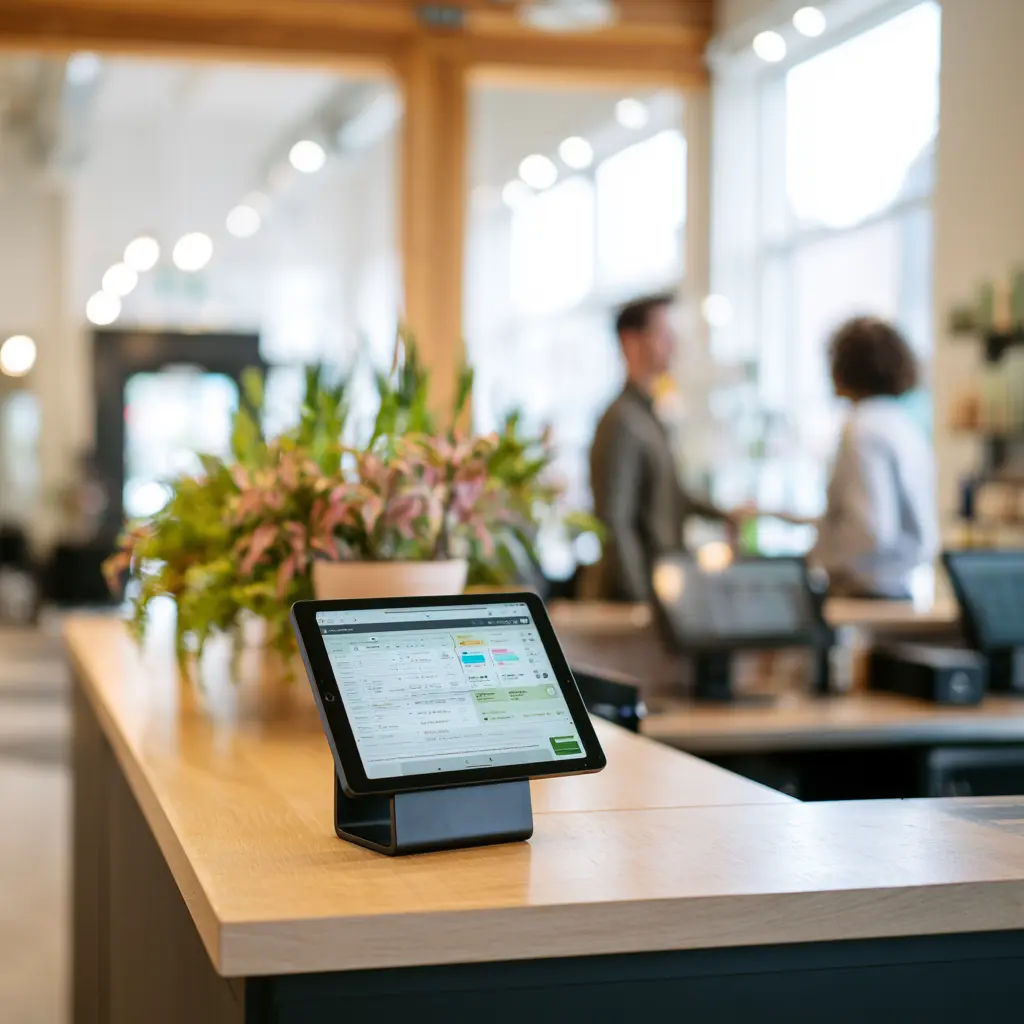
None of this is theoretical. On the booking flows we've built for Metro Vancouver service businesses, around 38% of appointments get booked outside normal business hours, evenings and weekends when nobody's answering the phone. A phone-only setup simply doesn't capture those people.
The Booking Features That Reduce No-Shows
No-shows are the most direct revenue leak an appointment business has. An empty chair you'd already promised to someone is money you can't recover. Three features close most of that gap, and it's worth getting all three in place rather than picking your favourite:
- Automated SMS and email reminders. Most no-shows aren't people flaking on purpose, they just forget. A reminder the day before and again an hour ahead catches the honest forgetters, who are the majority. It's the cheapest no-show fix you can add, and usually the first one we switch on.
- Deposits or card-on-file. A booking that costs nothing to break gets broken. Taking a small deposit, or holding a card on file against a clear cancellation policy, changes the maths for the customer. For one Burnaby clinic we rebuilt, adding a card-on-file deposit took no-shows from around 19% of bookings to about 5% inside the first two months.
- Clear cancellation windows. People will cancel, and that's fine. You just want them to do it with enough notice that you can fill the slot. A self-serve cancellation flow with a stated window, say 24 hours, turns what would have been a silent no-show into an appointment you can offer to the next person on a waitlist.
Booking and Your Google Visibility
Booking doesn't only affect whether a customer follows through. It quietly affects whether they find you at all. Google favours sites that are fast and genuinely usable on a phone, and a booking flow that loads quickly and works with a thumb sends exactly those signals. A slow, clunky booking step sends the opposite ones.
There's a more direct link too. Through Reserve with Google, some booking providers can place a "Book" button right on your Google Business Profile, so a customer books straight from Maps or Search without ever loading your site. Whether you're eligible depends on your booking provider and your business category, so treat it as an option to check rather than something every business can turn on. Where it's available, it's worth setting up.
One thing to insist on: booking should live on your own domain, not only on a third-party page. If every booking happens on someone else's URL, that's where the traffic, the data, and the search value collect, not with you. Building booking into the site is a big part of why a well-made local page earns its keep. If you're in the eastern suburbs, our approach to web design in Burnaby is built around this kind of conversion detail, and for owners watching the budget across the city, affordable web design in Vancouver covers how to get there without overspending.
Build It In vs Bolt It On: Widgets and Native Booking
There are two ways to put booking on a service website, and the right one depends entirely on where your business is today. A little over 60% of the service business owners who come to us are still taking every booking by phone, text, or DM, so for many the first question isn't widget versus native, it's getting off the phone at all. Once you're past that, the real choice starts.
A third-party widget, like Calendly, Square Appointments, or Acuity, is the fast and cheap option. You sign up, paste an embed code, and you're taking bookings the same afternoon. The trade-off is control: the booking screen carries some of their branding, you're held to their features and layout, and your customer data sits in their system rather than yours. For a brand-new solo operator who needs to be booking next week, that's a sensible and honest call. Start there.
A native build, where booking is designed into the site itself, costs more and takes longer. What you get for it is ownership from end to end: the booking step looks and feels like the rest of your brand, you control the flow, and the data is yours. For an established business where booking is the heart of how customers experience you, that control usually pays for itself.
Not sure which way to go? Here's the short version of the decision we walk clients through.
- Start with how customers book today. If they book simple, repeat appointments, even a widget beats a phone line. If booking involves intake forms, deposits, or several staff diaries, you'll outgrow a widget fast, so plan for that now.
- Decide how much the booking step has to feel like you. A widget keeps booking on a third-party screen with someone else's look. If booking is a core moment in your customer's experience, it belongs in your own user experience, designed on your domain.
- Weigh control and ownership against speed and cost. A widget is live this afternoon. A website built around your booking flow costs more and takes longer, but you own the data, the design, and the search value it builds.
Accessibility and Mobile
Most of your bookings will happen on a phone, so the phone experience isn't a side concern, it's the main event. Around 72% of the booking traffic we see on service sites comes from mobile, often in spare moments: on transit, in a waiting room, on the sofa at night. A booking flow that quietly assumes a desktop and a mouse loses those people.
A few things matter more than the rest on a small screen. Tap targets need to be big enough to hit without zooming. Time zones should be handled clearly, so a customer is never guessing whether 2pm means their time or yours, which matters more than you'd think in a city with as many newcomers and remote clients as Vancouver. Forms should be short, asking only for what you genuinely need at the booking stage. And the confirmation screen should be readable at a glance, with the date, time, and location right there.
Accessible forms deserve the same care: proper labels, error messages that explain what actually went wrong, keyboard and screen-reader support, and enough colour contrast to read in bright sunlight. Accessibility obligations vary by the type and size of organisation, and the rules across BC and Canada are still evolving, so it's most accurate to treat strong accessibility as good practice you should want rather than a single legal box every business has to tick. Building it in from the start is far cheaper than retrofitting later, and it widens the pool of people who can actually book you.
Frequently Asked Questions
Do I need a booking system or just a contact form on my Vancouver service website?
It depends on what you sell. If customers book repeat, appointment-based services like cuts, treatments, classes, or callouts, a real booking system pays for itself by removing the phone tag and the no-shows. If most jobs start with a custom quote or a conversation, a well-built contact form may be all you need, at least to begin with.
Will online booking help my business show up on Google?
Indirectly, yes. A fast, mobile-friendly booking flow improves the usability signals Google pays attention to and keeps people on your own site, and where you're eligible for Reserve with Google, booking can appear right on your Google Business Profile. It isn't a switch that ranks you overnight, but it supports both visibility and conversion.
How do deposits and reminders reduce no-shows?
They tackle the two different reasons people miss appointments. Reminders catch the ones who simply forgot, which is most of them, while a deposit or card-on-file gives the rest a reason not to flake, because now there's a cost to it. Used together they close both gaps, which is why we rarely add one without the other.
Can I add booking to my existing website, or do I need a rebuild?
Often you can add it without a full rebuild. A third-party widget can usually drop into an existing site quickly, while a deeper, on-brand booking experience may need some build work depending on your platform. The honest answer comes down to how integrated and how much like you the booking step needs to feel.
Booking is one feature, but it's the one where a service business website most directly earns or loses money. Get the must-haves right, real-time availability, instant confirmation, reminders, deposits where they fit, and calendar sync, and the rest of your site has a far easier job. If you're thinking bigger than the booking step and weighing what your whole site should do for you, our take on lead-generation versus brochure websites is a useful next read.
Parabolic builds service business websites across Burnaby and Vancouver, with booking designed to convert rather than just sit there. If your current site makes people work to book you, that's a fixable problem.