
Start a project
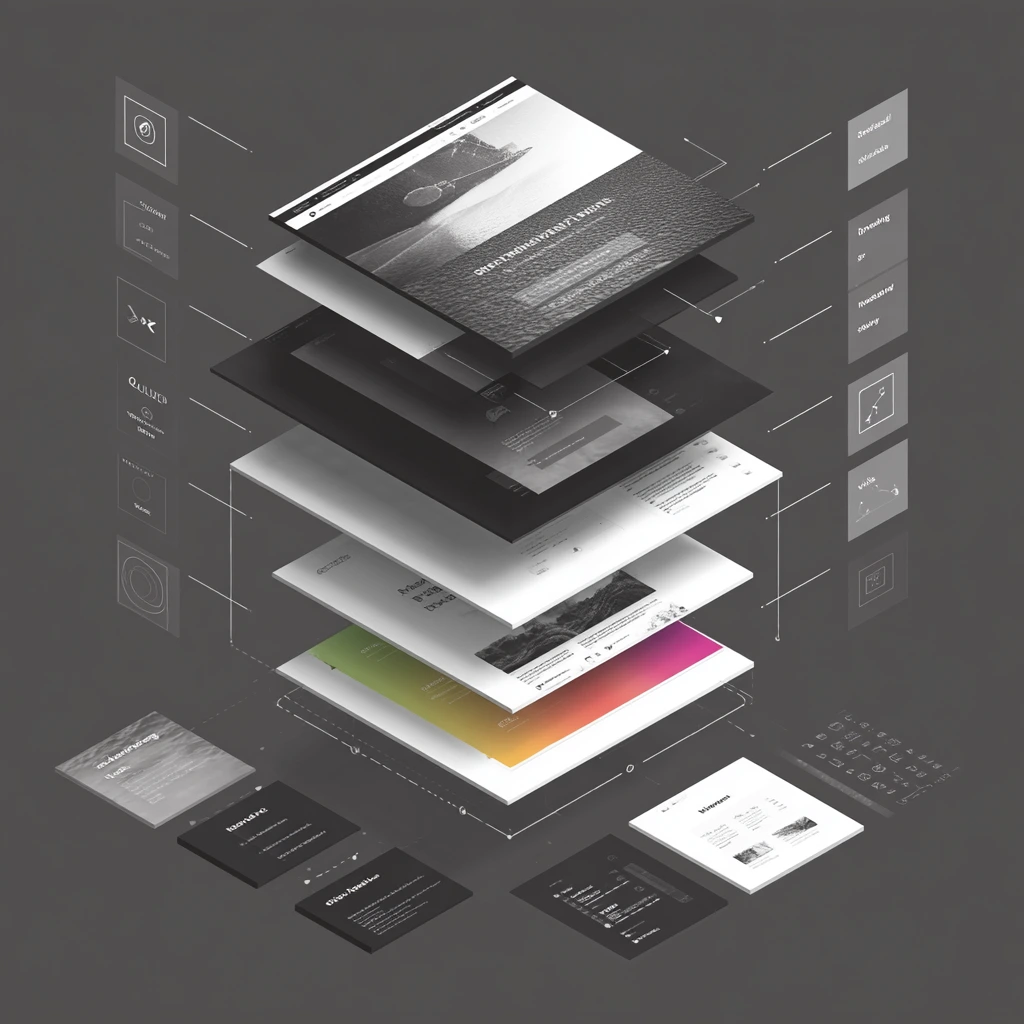
Your homepage is often the first impression potential customers have of your business. A high performing homepage builds trust, clearly communicates value and guides visitors toward taking action. In my work designing sites for service businesses and creative professionals, I have learned that certain elements consistently boost engagement and conversions. This article breaks down those elements and explains why they matter, drawing on research and our own client experiences.
Visitors arriving on your homepage have a subconscious question: Is this site for me? If you do not answer that question within seconds, they will leave. Web designer Zach Sean notes that a clear, emotionally tied message is essential; he explains that if your site does not answer “Is this for me?” in a sentence or less, you have already lost the visitor. He advises matching your message to the audience’s stage of awareness—using empathy for problem‑aware audiences, differentiation for solution‑aware audiences and direct offers for product‑aware visitors.
To implement this, craft a headline that communicates your unique value proposition in a concise, compelling way. CXL’s conversion guide suggests starting with a clear, impactful headline that focuses on the benefits your product or service offers and following it with a sub‑headline that adds context. For example, instead of “We design websites,” try “We create websites that turn visitors into loyal clients.” Use the sub‑headline to explain how you deliver on that promise.
A cluttered homepage overwhelms visitors and increases bounce rates. Zach Sean compares messy layouts to walking into a disorganized office and says that your layout either creates digital clutter or calm. He recommends guiding the visitor’s eye using a strong visual hierarchy and layout patterns like the Z pattern, color blocking and minimal navigation. To make your content scannable, use one‑sentence value propositions, bullet points and headings that summarize each section. This allows users to understand the content quickly and decide where to focus.
High contrast and whitespace are critical for readability and trust. Zach Sean notes that high‑contrast, readable fonts, consistent branding, fast loading speed and mobile responsiveness all contribute to trust. This aligns with digital.gov’s advice to provide good contrast ratios and not use color alone to convey information. Use a cohesive color palette and plenty of white space to make important elements stand out.
Calls to action (CTAs) tell visitors what to do next. The average landing page conversion rate is under ten percent, so placement and language matter. Zach Sean recommends placing CTAs near the headline for quick‑action users, after a testimonial block to capture momentum and near pricing or offer explanations. Our own tests confirm that repeating CTAs throughout a page improves conversions. Use actionable, benefit‑driven language such as “Get my free quote” instead of “Submit.” Testing different phrasing and positions can reveal what resonates with your audience.
People decide whether to trust your business based on design cues. According to Zach Sean, high‑contrast fonts, consistent branding, fast loading and responsive design are trust cues. He also emphasizes the power of micro‑interactions like hover effects and scroll animations to make a site feel polished. Social proof—reviews, testimonials and endorsements—should be organized in a way that focuses attention on what matters most. Group testimonials by theme (for example, “prompt service,” “fair pricing,” “quality of work”) and include names and photos when possible. Video testimonials and case studies provide additional credibility.
Performance is part of your homepage’s anatomy. Flowout’s performance comparison reminds us that visitors everywhere enjoy fast, consistent performance when sites are hosted on a global content delivery network. A slow, unresponsive homepage signals that the company is outdated or unreliable. Use lightweight images, compress files and implement modern development techniques to optimize page speed. Test your site with tools like Google’s PageSpeed Insights to identify bottlenecks.
Keep your navigation simple and intuitive. Limit top‑level menu items to the most important pages. Use descriptive labels that match what users are looking for. Avoid deep hierarchies that require multiple clicks to reach important content; Flowout’s analysis of Squarespace points out that a single navigation system can make complex structures difficult. Plan your page architecture using card sorting to align with how users categorize information.
Here is a summary of the elements that create a high‑performing homepage:
These elements work together to build clarity, trust and motivation. Throughout the page, maintain a strong visual hierarchy and scannable layout. Use white space and contrast to guide the eye. Ensure that your design is responsive and fast across devices.
When we redesigned the homepage for a local contractor, we applied this blueprint. The old page had a generic headline and a cluttered layout with six navigation options and overlapping text. We replaced the headline with a clear benefit statement, restructured the layout using a Z‑pattern, added testimonials grouped by theme and placed CTAs after each section. Within two months, the company reported a sixty‑eight percent increase in lead inquiries. This mirrors the success Zach Sean saw when he simplified a photographer’s Squarespace site and increased leads by sixty‑eight percent. Clear messaging, intentional hierarchy and trust signals are not theoretical ideas; they deliver measurable results.
In closing, a high performing homepage balances clarity, emotional resonance, visual hierarchy, trust signals, conversion‑focused CTAs and speed. By understanding why each element matters and implementing them thoughtfully, you can create a homepage that works as hard as your best sales representative, guiding visitors from curiosity to conversion.