
If your nonprofit runs on spreadsheets, you already know the pattern. Renewals tracked in one tab, volunteer shifts in another, and a coordinator chasing both through email chains that never quite resolve. For BC nonprofits, charities, societies, and professional associations, this manual layer quietly eats hundreds of staff and volunteer hours every year. A membership or volunteer portal is the fix, and it's far more attainable than most boards assume. This guide covers what a portal actually is, what it should include, what it costs in Canadian dollars, and how to scope one without getting burned.
The short version: a membership portal lets a nonprofit manage members, dues, and renewals online, while a volunteer portal handles sign-ups, scheduling, and hours tracking. Both replace manual spreadsheets and email chains, and many organisations combine the two behind a single secure login on their existing website.
What Is a Membership Portal (and a Volunteer Portal)?
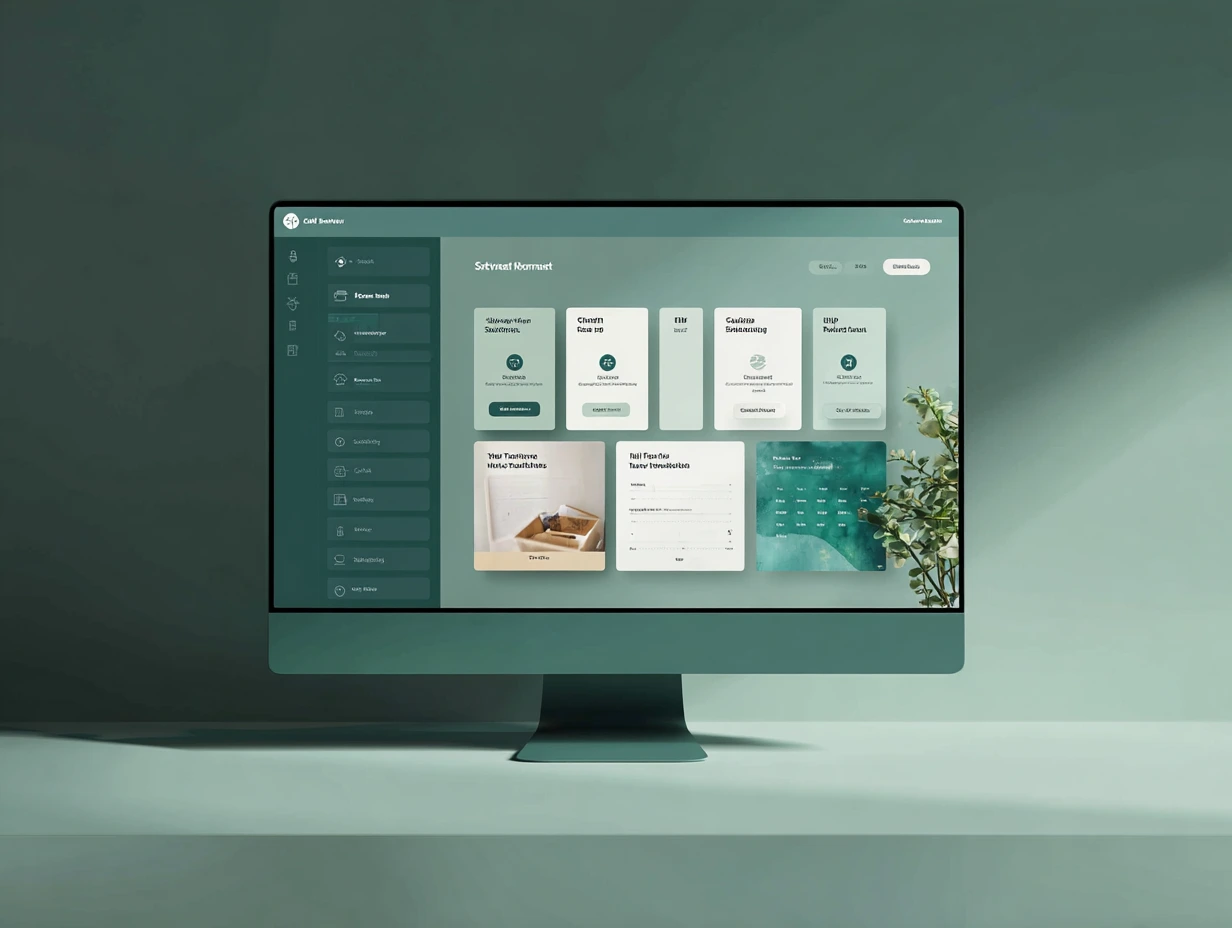
A membership portal is a password-protected area of your website where members manage their own relationship with your organisation. They log in to pay dues, renew, update contact details, access members-only resources, and find each other through a directory. The organisation, in turn, gets a single accurate database instead of a spreadsheet that's six weeks out of date.
A volunteer portal does the same job for your volunteer program. Volunteers sign up for shifts, view schedules, log their hours, and receive automated reminders. Coordinators see who's confirmed, who's cancelled, and who hasn't logged in since 2024, all without sending a single chase-up email.
The distinction matters because the two serve different operational problems, but in practice most BC organisations need some of both. A professional association might lean heavily on membership features with a light volunteer layer for committee work. A community charity might be the reverse. Of the last 12 nonprofit and association websites we've delivered at Parabolic, 8 of them needed some form of member login or gated area, and in nearly every case the client initially underestimated how much of their admin load it could absorb. Modern systems handle both functions behind one login, so you rarely need two separate tools.
If you're earlier in the process and still scoping the website itself, our guide to nonprofit website design in Vancouver covers the foundation a portal sits on.
Core Features Your Portal Should Have
A membership or volunteer portal for a BC nonprofit should include the following core features:
- Secure member login and self-service profiles. Members update their own details, which keeps your database accurate without staff intervention.
- Online dues and renewals with recurring billing. This is usually the single biggest time saver. One Lower Mainland professional association we worked with cut renewal admin from around 10 hours a month to under 90 minutes after moving renewals online.
- Member directory with privacy controls. Members choose what's visible. This is not optional under BC privacy law, which we cover below.
- Gated, members-only content and resources. Meeting minutes, training materials, templates, recordings. Anything that justifies the membership fee.
- Volunteer sign-up and shift scheduling. Volunteers pick their own shifts from a live calendar instead of replying-all to a group email.
- Hours tracking and reporting. Essential for grant reporting and for recognising your most committed people.
- Automated reminders by email or SMS. Renewal notices, shift reminders, lapsed-member nudges. Set once, runs forever.
- Event registration tied to member status. Member pricing applies automatically; non-members are prompted to join.
- Role-based admin access. The treasurer sees financials, the volunteer coordinator sees schedules, and the board chair sees reports. Nobody shares one master password.
Not every organisation needs every item on day one. But anything you skip should be a deliberate decision, not an oversight you discover at renewal season.
Build vs Buy: Custom Portal vs Membership Platform
This is the decision that shapes everything else, including budget. The honest answer is that off-the-shelf platforms are the right call for plenty of organisations, particularly small or volunteer-run ones. Here's how the two routes compare:
| Factor | Membership Platform (e.g. Wild Apricot, Member365) | Custom Portal on Your Own Website |
|---|---|---|
| Upfront cost | Low. Setup and configuration only. | Higher. Designed and built for your processes. |
| Ongoing cost | Monthly subscription, usually tiered by member count. Grows as you grow. | Hosting and maintenance. No per-member fees. |
| Branding | Limited. Members often notice they've left your website. | Seamless. The portal looks and feels like your organisation. |
| Data ownership | Your data lives on the vendor's servers, often outside Canada. Exporting is possible but switching is painful. | You own the database and decide where it's hosted. |
| Flexibility | You adapt your processes to the platform. | The portal adapts to your processes. |
| Best for | Small or volunteer-run orgs, standard membership models, tight budgets. | Established orgs with unusual workflows, complex member types, or branding standards. |
There's also a sensible middle path, and it's the one we recommend most often: a professionally designed website with a platform handling the membership database behind it, integrated so members never feel the seam. You get the platform's reliability with your own front-of-house. Our web design service covers this kind of integration work as part of a standard nonprofit build.
What It Costs for a BC Nonprofit
Boards reward honesty about budget, so here are realistic Canadian-dollar ranges based on the nonprofit and association projects we've scoped and delivered.
Platform route. Subscription pricing for the established membership platforms typically lands between $60 and $250 per month depending on member count, so budget $720 to $3,000 a year in software costs. A design engagement to set the platform up properly, brand it as far as the tool allows, and connect it to your website usually runs $1,500 to $4,000.
Custom portal route. A custom member or volunteer portal built into your own website generally adds $4,000 to $12,000 on top of the site build itself, depending on payment integration, the number of member types, and how much automation you want. Complex builds with multiple roles, custom reporting, and third-party integrations can pass $15,000, though most BC organisations don't need that.
The main cost drivers are consistent across both routes: how many member categories you have, whether you need recurring billing, how much historical data needs migrating, and who maintains it after launch. Maintenance is the line item boards forget. Plan for it the way you'd plan for insurance.
Two pieces of good news for BC organisations. First, portal and website costs often qualify under capacity-building grant streams, including the BC Gaming Community Grant's capacity stream, so check eligibility with your funder before assuming you're paying out of operating funds. Second, studios that work in the sector, ours included, offer reduced nonprofit pricing. It's always worth asking directly.
Data Privacy and Member Trust (PIPA and PIPEDA)
Your member database is personal information, and in BC that comes with legal obligations. Nonprofits and societies operating in the province fall under BC's Personal Information Protection Act (PIPA), and organisations engaged in commercial activity across provincial borders may also have obligations under the federal PIPEDA. In practical terms, three things matter most:
- Consent. Members should know what information you collect and why. A directory that displays member details without an opt-in is a problem, which is why privacy controls belong in your feature list from the start.
- Reasonable security. Encrypted connections, secure password handling, and limits on who can access what. A shared spreadsheet emailed between board members fails this test, and many organisations are running exactly that today.
- Storage and retention. Know where your data physically lives. Some platforms store Canadian nonprofit data on US servers, which isn't automatically prohibited but is something your board should consciously accept rather than discover later.
This is general guidance, not legal advice, and the Office of the Information and Privacy Commissioner for BC publishes plain-language resources worth reading before your project starts. The point for your portal project is simpler: privacy handled well is a trust signal. Members give organisations their payment details and home addresses because they trust them. A portal that takes that seriously protects the relationship, not just the data.
Making It Work for Less Tech-Confident Members
A portal that your members can't use is worse than no portal, because now they're frustrated and you're still doing the admin manually. Nonprofit and association audiences often skew older, and volunteer coordinators tell us the same story repeatedly: the system was fine, the login defeated people.
We saw this directly on one association portal, where members aged 60 and over generated roughly 40% of all login support requests in the first months after launch. After we simplified the sign-in flow to a single email-based login with no security questions, that dropped to under 10%. The lesson generalises:
- One simple login method. Email plus password, or a magic link. Not three options and a CAPTCHA.
- Large type, clear labels, generous buttons. Standard accessibility practice, and it benefits every member, not just older ones.
- A visible human fallback. A phone number or office contact for members who'd rather renew in person. Forcing 100% digital adoption loses people you don't need to lose.
- Plain-language help. A one-page "how to log in and renew" guide, written for someone who didn't grow up with the internet.
Usability work like this is exactly where design earns its fee. It's a core part of our UX design practice, and on nonprofit projects it's often the difference between a portal that gets adopted and one that gets abandoned by spring.
How to Scope Your Portal Project (Before You Get Quotes)
An hour of internal preparation will make every quote you receive more accurate and more comparable. Work through these steps before approaching any designer or platform vendor:
- List your member and volunteer types. Individual, organisational, student, lifetime, honorary. Each category with different pricing or access adds complexity, so count them honestly.
- Map your current manual processes. Write down how a renewal actually happens today, step by step, including the workarounds. This document becomes your requirements list.
- Separate must-have from nice-to-have. Online renewals might be essential; a member forum might be a phase-two item. Vague wish lists produce inflated quotes.
- Decide who owns it after launch. Name the staff member or volunteer responsible for the portal, and budget for maintenance. A portal without an owner degrades within a year.
- Check your governance requirements. Some societies need board or AGM approval for projects above a spending threshold, and some funders require pre-approval before work begins. Confirm both before signing anything.
Different organisation types carry different requirements here. A registered charity, a member-funded society, and a professional association don't approach the same project the same way, and we've written about how charity, nonprofit, and society websites differ if your board is still working out which constraints apply.
If you want to see what this looks like delivered, our CAUSEWORX case study walks through a nonprofit build from brief to launch.
Frequently Asked Questions
How much does a membership website cost for a small nonprofit?
For a small BC nonprofit, a membership website typically costs $3,000 to $8,000 CAD: a professionally designed site with an integrated membership platform handling logins, dues, and renewals. Platform subscriptions add roughly $60 to $250 per month. Fully custom portals cost more but eliminate per-member fees, and capacity-building grants can often cover part of the project.
Can volunteers and members use the same login system?
Yes. Most modern systems support a single login with role-based access, so a person who is both a dues-paying member and an active volunteer sees both their renewal status and their shift schedule from one account. This is usually preferable to running two separate systems, because it keeps your contact data in one place and means people only remember one password.
Do we need to worry about privacy law for member data in BC?
Yes. BC nonprofits and societies are covered by the Personal Information Protection Act (PIPA), which requires consent for collecting member information, reasonable security for storing it, and care in how it's shared, including in member directories. Federal PIPEDA may also apply in some circumstances. This is general guidance rather than legal advice, but privacy should be part of your portal requirements from day one, not retrofitted after launch.
Should we use a membership platform or build a portal into our website?
For most small and volunteer-run organisations, an off-the-shelf membership platform integrated with a well-designed website is the right call: lower cost, faster launch, proven reliability. A custom portal makes sense for established organisations with complex member types, unusual workflows, or strict branding and data-ownership requirements. The deciding factors are budget, how standard your membership model is, and whether you have someone to maintain a custom system.
A good portal gives your staff their hours back, gives your members a reason to renew, and gives your board the reporting it keeps asking for. Parabolic Studio designs websites and portals for nonprofits, charities, societies, and associations across Vancouver and BC. See our nonprofit web design work, or read more about building a membership portal for your association with a studio that understands nonprofit operations, not just nonprofit aesthetics.