

When someone in BC searches "electrician near me" or "web design services near me", the map results at the top of the page decide who gets the call. Those three listings in the Local Pack are powered by Google Business Profiles, and if yours is incomplete, unverified, or abandoned, the calls and quote requests are going to a competitor down the road. This guide walks through the complete setup and optimisation process for 2026, in order, so a BC service business owner can work through it in an afternoon.
To set up a Google Business Profile in BC, create or claim your listing at google.com/business, verify your business, choose the most specific primary category for your trade, add complete contact details and hours, define the service areas you cover, write a clear business description, and add photos of real work.
What Is a Google Business Profile (and Why It Beats Your Website for Local Searches)
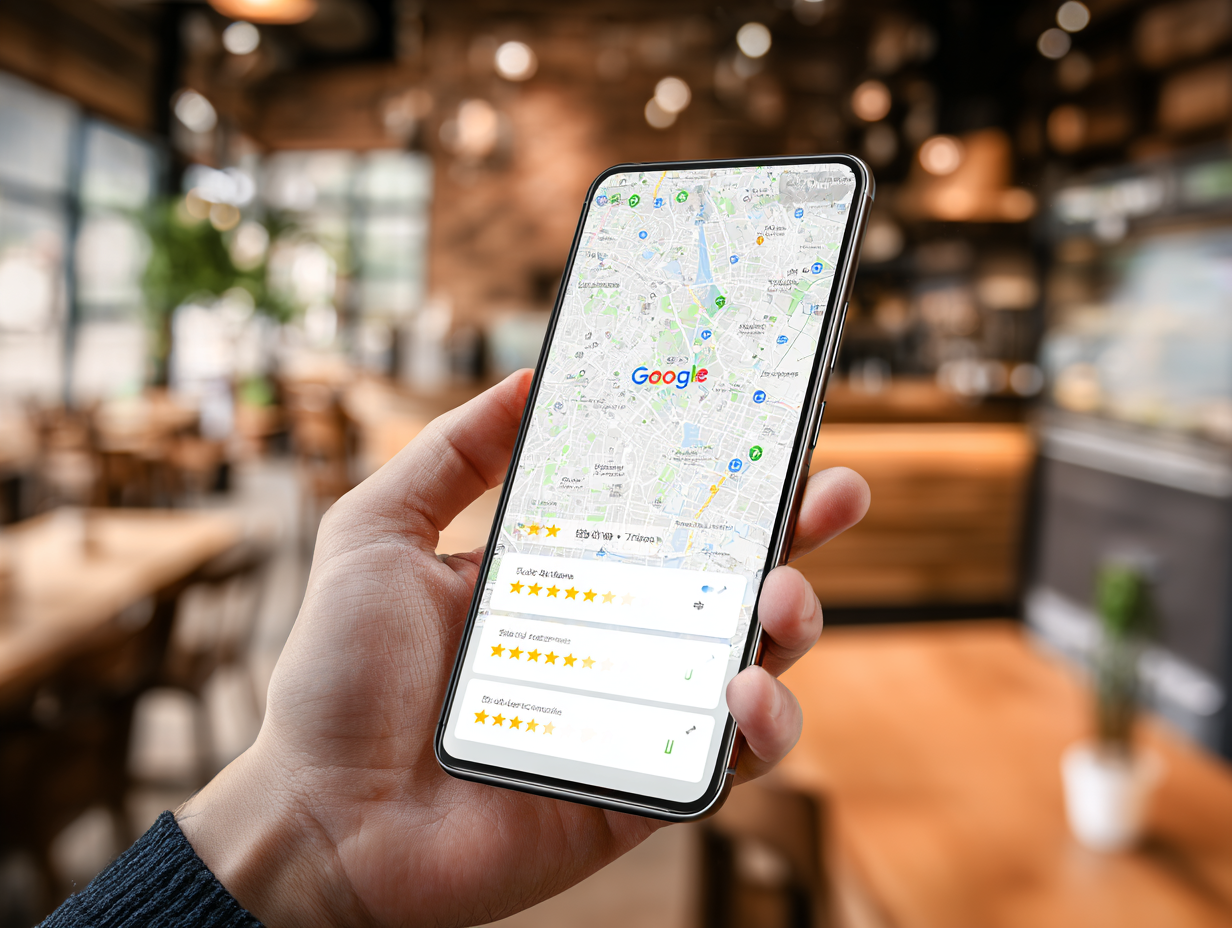
A Google Business Profile (GBP) is the free listing that powers your presence on Google Maps and in the Local Pack, the block of three map results that appears above the regular organic listings for most local searches. It holds your name, address, phone number, hours, reviews, photos, and services. When someone in Surrey searches for a plumber, or someone in Richmond searches for a hair salon, Google pulls from these profiles first.
For "near me" searches, the Local Pack often earns more clicks and calls than any website on the page, including the one ranked first organically. That makes the GBP the highest-leverage free marketing a BC service business can do. A well-optimised profile can put a small trades contractor ahead of established competitors with much bigger websites, because the map pack rewards relevance, proximity, and profile quality rather than domain authority.
Step-by-Step: Setting Up Your Google Business Profile
Work through these in order. If you set your profile up years ago and haven't touched it since, treat this as an audit and fix anything that's missing or wrong.
- Create or claim your profile. Search your business name on Google first. If a listing already exists (Google often auto-generates them from public data), claim it rather than creating a new one. Duplicate listings split your reviews and confuse Google. If nothing exists, create a profile at google.com/business using an email account your business controls, not a personal account belonging to an employee who might leave.
- Verify your business. Google won't show an unverified profile in the map pack. In 2026, most BC businesses verify by video: you'll record a short walkthrough showing your signage, equipment, or work vehicle. Some still receive the classic postcard with a code. Either way, complete verification before doing anything else, because edits made to unverified profiles often don't go live.
- Choose your categories carefully. Your primary category is the single strongest ranking signal you control. Pick the most specific one available: "Plumber" rather than "Contractor", "Web designer" rather than "Marketing agency". Then add secondary categories for genuine additional services. Don't pad the list; irrelevant categories dilute your relevance for the searches that matter.
- Add complete contact and hours information. Fill in your phone number, website, and hours, including holiday hours. Use a local BC number where possible rather than only a toll-free line. Incomplete profiles rank worse and convert worse: a searcher who can't tell whether you're open right now will simply call the next listing.
- Define your service area. List the actual cities and districts you serve, such as Vancouver, Burnaby, Surrey, Richmond, and the Tri-Cities. Google allows up to 20 service areas. Be honest here; claiming the whole Lower Mainland when you only take jobs in one city wastes your relevance and frustrates callers you'll have to turn down.
- Write a keyword-aware business description. You get 750 characters. Lead with what you do and where, in plain language a customer would use: the trade, the services, the communities served. Mention your specialities and years in business. Don't stuff it with every keyword variation; write it for the person deciding whether to call you.
- Add photos. Upload your logo, a cover photo, your team, your vehicles, and most importantly, real completed work. Profiles with regular, genuine photos get noticeably more requests for directions and calls than profiles with a logo and nothing else. Skip the stock photography; searchers can tell, and Google increasingly can too.
Optimisation Checklist: What Separates a Listing That Ranks
Setup gets you on the map. The following habits are what move a profile into the Local Pack and keep it there:
- Accurate, consistent NAP everywhere online. Your name, address, and phone number should match exactly across your website, GBP, Yelp, the Better Business Bureau, and every directory that mentions you.
- The most specific primary category for your trade. Review it once a year; Google adds new categories regularly, and a more precise option may now exist.
- Service areas set to the towns you actually serve. Specific Lower Mainland communities, not a vague provincial radius.
- A steady flow of genuine reviews, with replies. Velocity matters as much as volume. Five reviews this quarter beats fifty from 2022.
- Regular photos of real work and your team. A monthly upload habit signals an active, operating business.
- Google Posts for offers, updates, and seasonal services. Posts expire from prominence quickly, so a short post every couple of weeks keeps the profile fresh.
- Products and services listed with descriptions. Each service you add is another relevance signal and another chance to match a search.
How to Get (and Respond to) Google Reviews
Reviews are the single biggest lever on both your map ranking and whether a searcher actually picks you. They influence where you appear, and the star rating shown beside your name does a lot of the selling before anyone visits your website. For a service business, a profile with 40 recent, detailed reviews will outperform a competitor with a prettier website and 6 stale ones almost every time.
The way to get reviews is simple and entirely within Google's rules: ask every happy customer, at the moment the job wraps up, and make it effortless. Generate your review link from your GBP dashboard and text or email it directly. A roofer might send it with the final invoice; a clinic might include it in the follow-up message. What you cannot do is offer discounts or prizes in exchange for reviews, ask only customers you know were happy through a filtering tool, or have staff and family pad the numbers. Google's detection has become aggressive, and incentivised reviews are a fast route to having reviews removed or the profile suspended.
Reply to every review, positive and negative. Replies show prospective customers that someone is paying attention, and a calm, professional response to an unfair one-star review often does more for your credibility than ten five-star ratings. Keep replies short, thank the reviewer, and where a complaint is legitimate, say what you've done about it. Never argue, and never share details of the customer's job publicly.
Service-Area Businesses: Special Rules You Need to Know
Google treats two kinds of businesses differently. A storefront business serves customers at its address: a salon, a clinic, a retail shop. A service-area business (SAB) travels to the customer: plumbers, electricians, landscapers, mobile detailers, many consultants. Most trades and home-services businesses in the Lower Mainland are SABs, and this is where the most common setup mistakes happen.
If you work from home or don't serve customers at your address, hide the address. In your profile settings, clear the address field and rely on service areas instead. Showing a residential address on a service-area listing is a suspension risk under Google's guidelines, and it also broadcasts your home address to the internet, which most owners would rather avoid.
Then set your service areas deliberately. An HVAC company based in Burnaby that takes jobs in Vancouver, New Westminster, Coquitlam, and Surrey should list each of those communities individually. Your ranking strength is generally highest near your actual base and fades with distance, which is why a Langley contractor struggles to crack the map pack in downtown Vancouver no matter how good the profile is. Set realistic areas, then let your reviews and photos from jobs in those communities reinforce that you genuinely work there.
Common Mistakes That Get Profiles Suppressed or Suspended
Google suspends or quietly suppresses profiles that break its guidelines, and reinstatement can take weeks during which you're invisible on Maps. These are the mistakes that cause most of the trouble:
- Adding keywords to your business name. Listing yourself as "Pacific Plumbing | Best Plumber Vancouver Burnaby Surrey" when your legal name is Pacific Plumbing is the most common suspension trigger there is. Your profile name must match your real-world business name, full stop.
- Inconsistent NAP details across directories. An old phone number on Yellow Pages or a former address on Yelp creates conflicting signals. Google trusts your profile less when the wider web disagrees with it.
- Duplicate or unclaimed listings competing with your own. Old locations, auto-generated listings, and profiles created by past employees all split your reviews and authority. Find them, claim them, and merge or remove them.
- Buying or incentivising reviews. Purchased reviews, review swaps with other businesses, and discount-for-review offers all violate the guidelines. The short-term bump isn't worth losing your review history, or the whole listing.
How Your Website and GBP Work Together
A Google Business Profile and a website are not competing channels; each one makes the other stronger. Google cross-references your profile against your website to confirm you're a real, consistent business, so your site should display the same name, phone number, and service areas as your listing, ideally with an embedded map. The profile also passes its traffic somewhere: searchers who want details beyond hours and reviews click through to the website, and what they find there decides whether they call. We've covered what that destination should look like in our guide to what makes a great small business website in BC.
Location pages are the multiplier. If you serve multiple Lower Mainland communities, a dedicated page for each city gives Google an organic result to pair with your map listing, which is exactly how we approach our own local presence with pages for web design in Burnaby, Surrey, and Richmond. Pair that structure with the on-page fundamentals in our local SEO guide for Vancouver businesses, and the two channels start lifting each other: the website strengthens the profile's relevance, and the profile sends ready-to-buy local traffic to the website.
If your current site doesn't match your listing, loads slowly on a phone, or has no pages for the communities you serve, that's the gap to close next. A local-first build doesn't need to be expensive; our affordable web design service for Vancouver businesses exists for exactly this situation.
Frequently Asked Questions
How long does Google Business Profile verification take in 2026?
Video verification, now the most common method, is usually reviewed within about five business days, though it can be faster. Postcard verification takes one to two weeks for delivery to BC addresses, plus the time to enter the code. If verification stalls beyond two weeks, contact GBP support rather than creating a second listing.
Can I rank in towns where I do not have an office?
Yes, within limits. Service-area businesses can list up to 20 communities they serve and appear in map results for those areas. In practice, ranking strength fades with distance from your actual base, so a Coquitlam contractor will find it much easier to rank in Port Moody than in West Vancouver. Reviews and photos from jobs in a target community help close that gap.
How many reviews do I need to show up in the map pack?
There's no fixed threshold; it depends on your competitors. Look at the three businesses currently in the map pack for your main search and note their review counts and ratings. That's your benchmark. In smaller Lower Mainland markets, 15 to 30 strong recent reviews is often enough to compete. Recency matters too, so keep asking even after you've caught up.
Do I need a website if I have a Google Business Profile?
For any serious service business, yes. The profile gets you found, but the website does the convincing: it's where searchers compare you against the other two map results, check your work, and decide to call. A profile linking to no website, or a poor one, leaks leads to competitors. The two channels also reinforce each other's rankings.
A strong Google Business Profile gets your BC service business found. A strong website turns that visibility into booked work. Parabolic Studio builds local-first websites designed to work with your profile, with the matching details, location pages, and fast mobile experience that lift both. Explore our web design services, or go deeper with our guide to local SEO for Vancouver businesses.